Tracker Checkboxes Tool
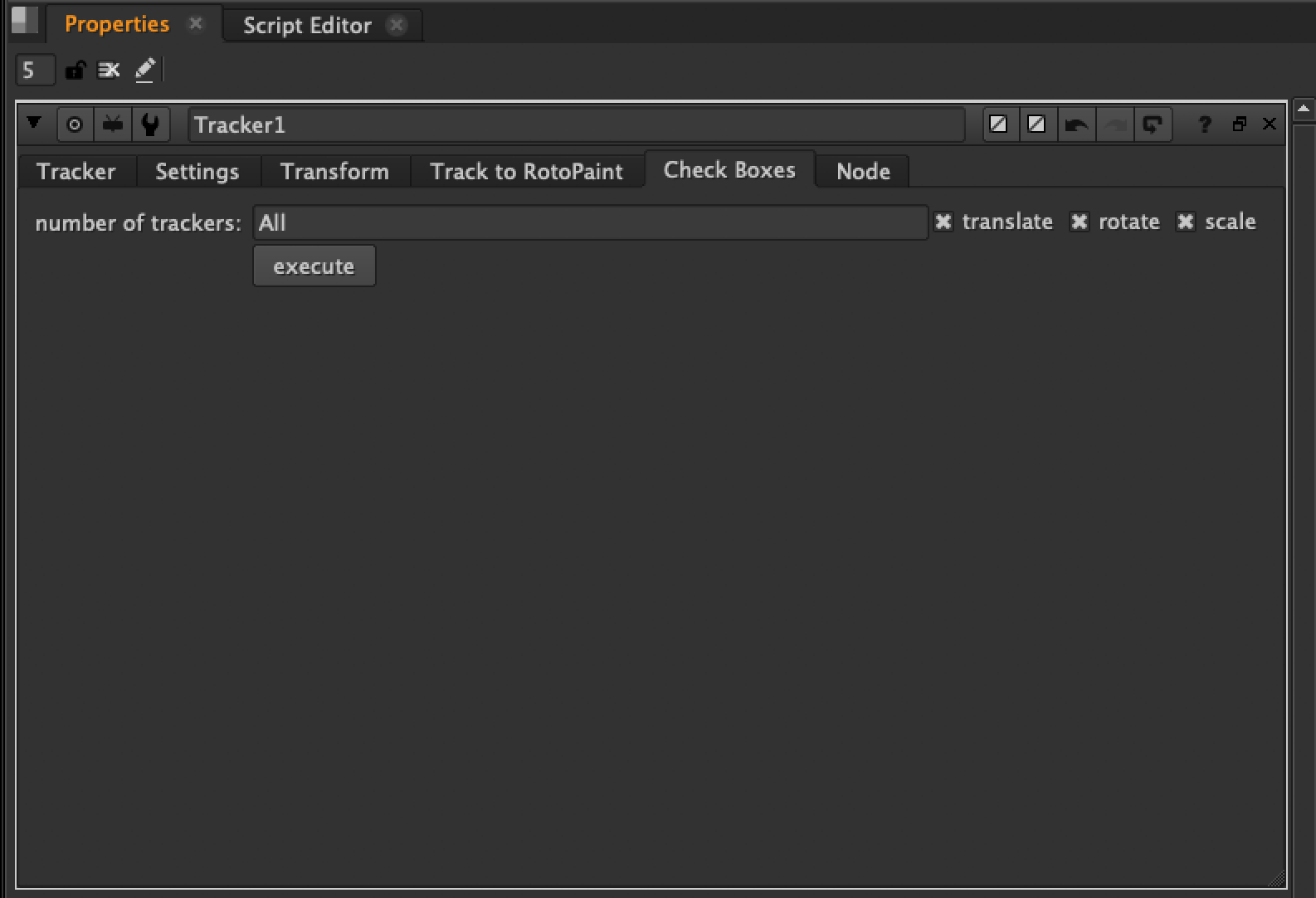
This is a Tracker node tool that bulk-toggles the T (translate), R (rotate), and S (scale) checkboxes for all tracks or only the currently selected tracks.
Learn how I created this tool:
Layer Shuffle Tool
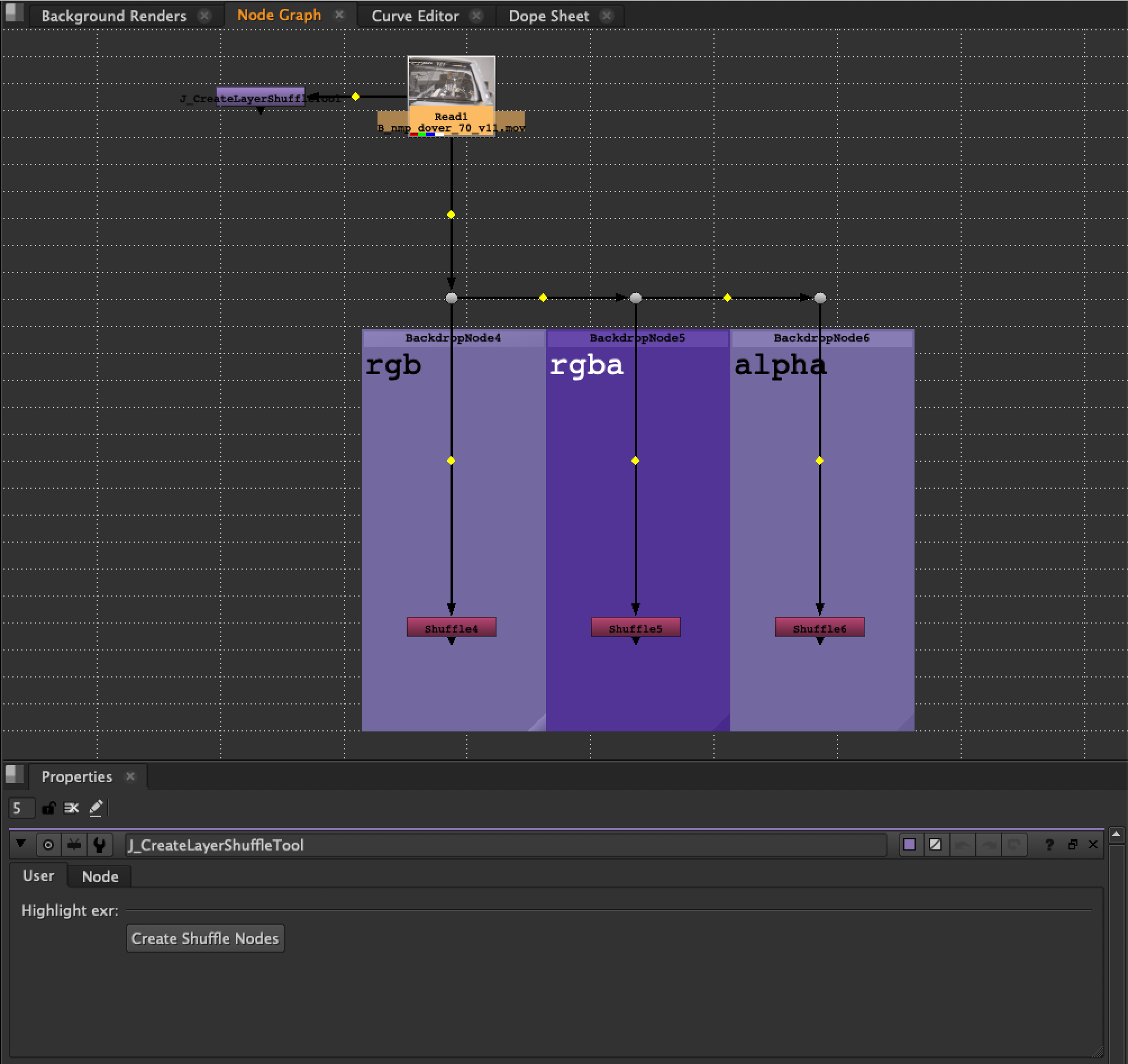
This script creates Shuffle node layers for a selected exr.
Download the file, and copy the code.
Paste the code directly into your Nuke script.
Double click J_CreateLayerShuffleTool node.
Select the exr you want broken out.
Click Create Shuffle Nodes button.
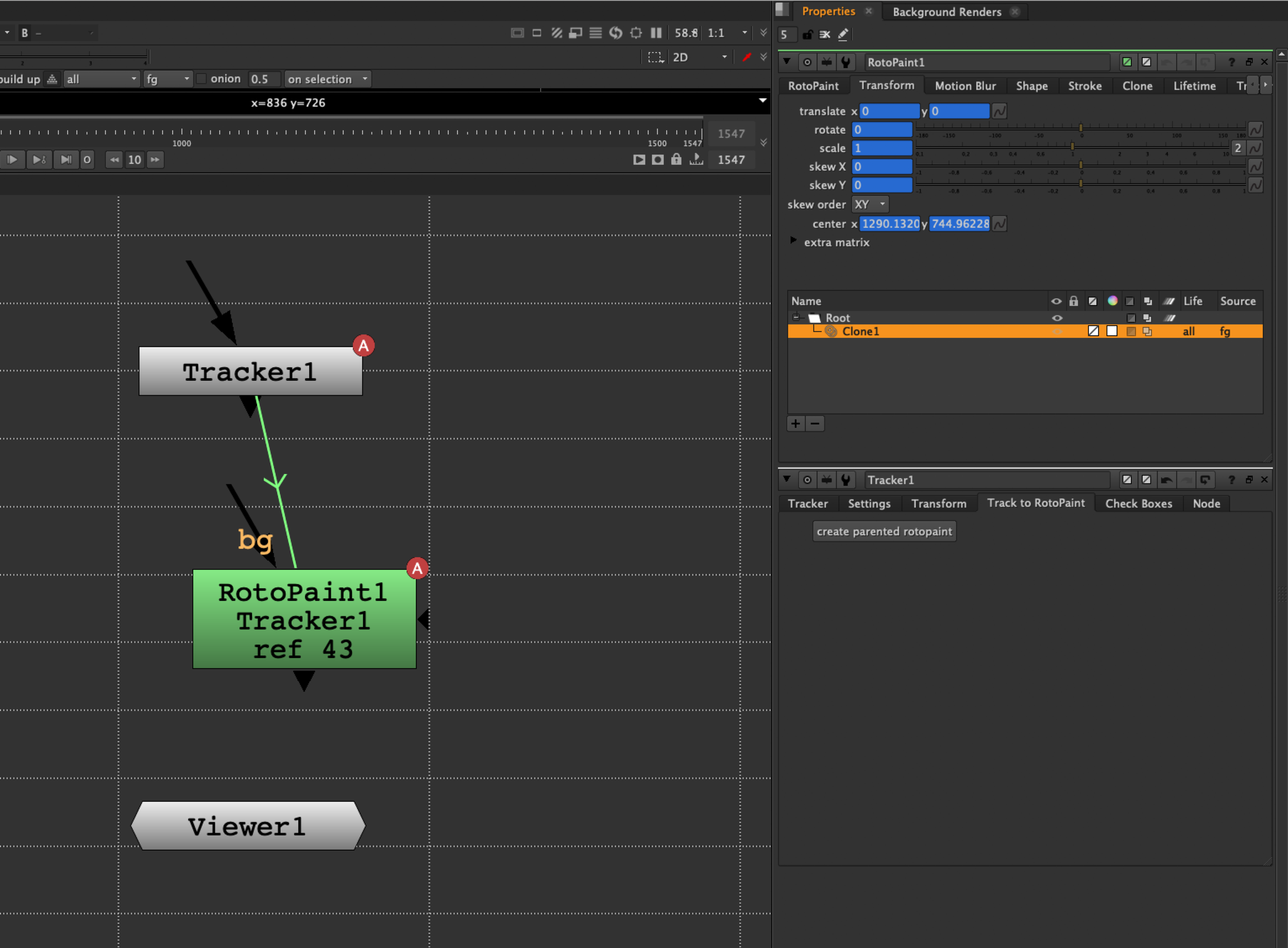
Tracker to RotoPaint Button
CornerPin2D Tool
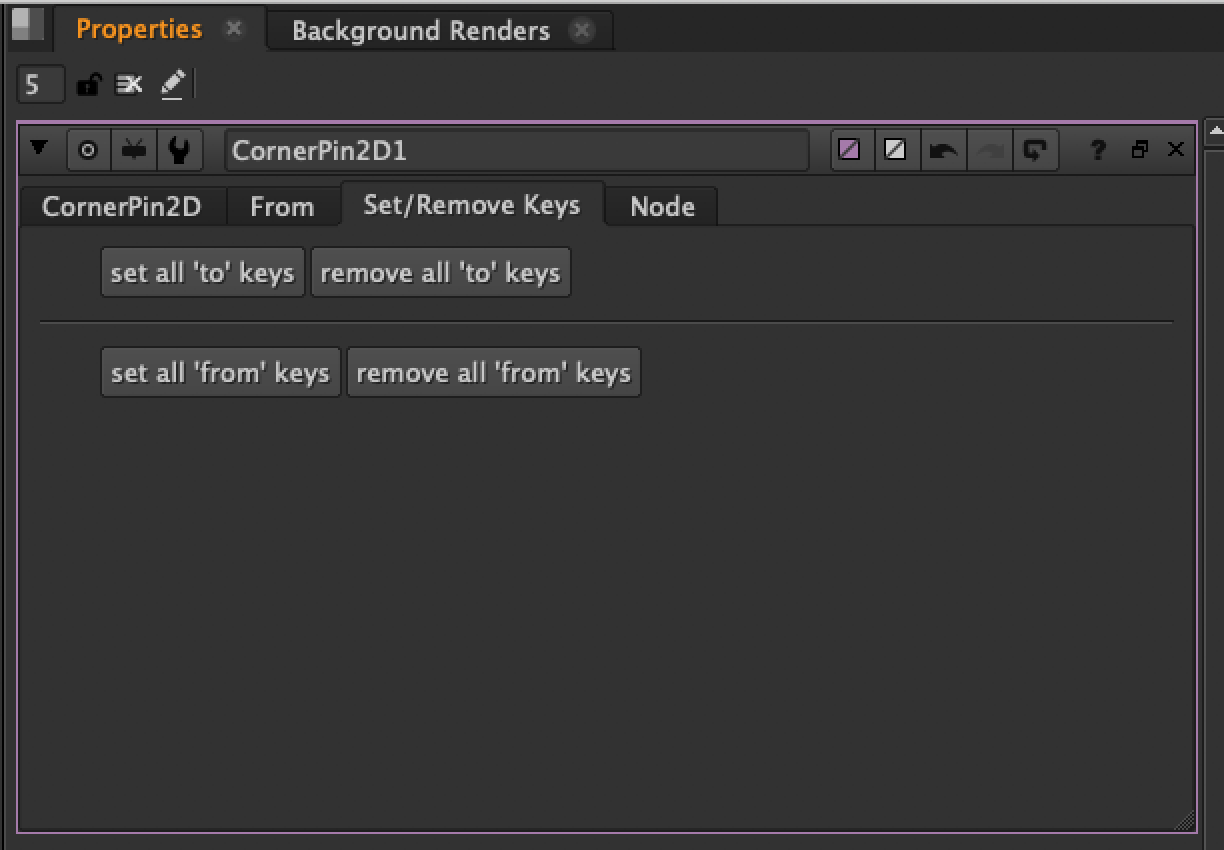
This script adds a tab to the CornerPin2D node containing a button that sets or removes all ‘to’ keys or all ‘from’ keys.
Parent Nodes Tool
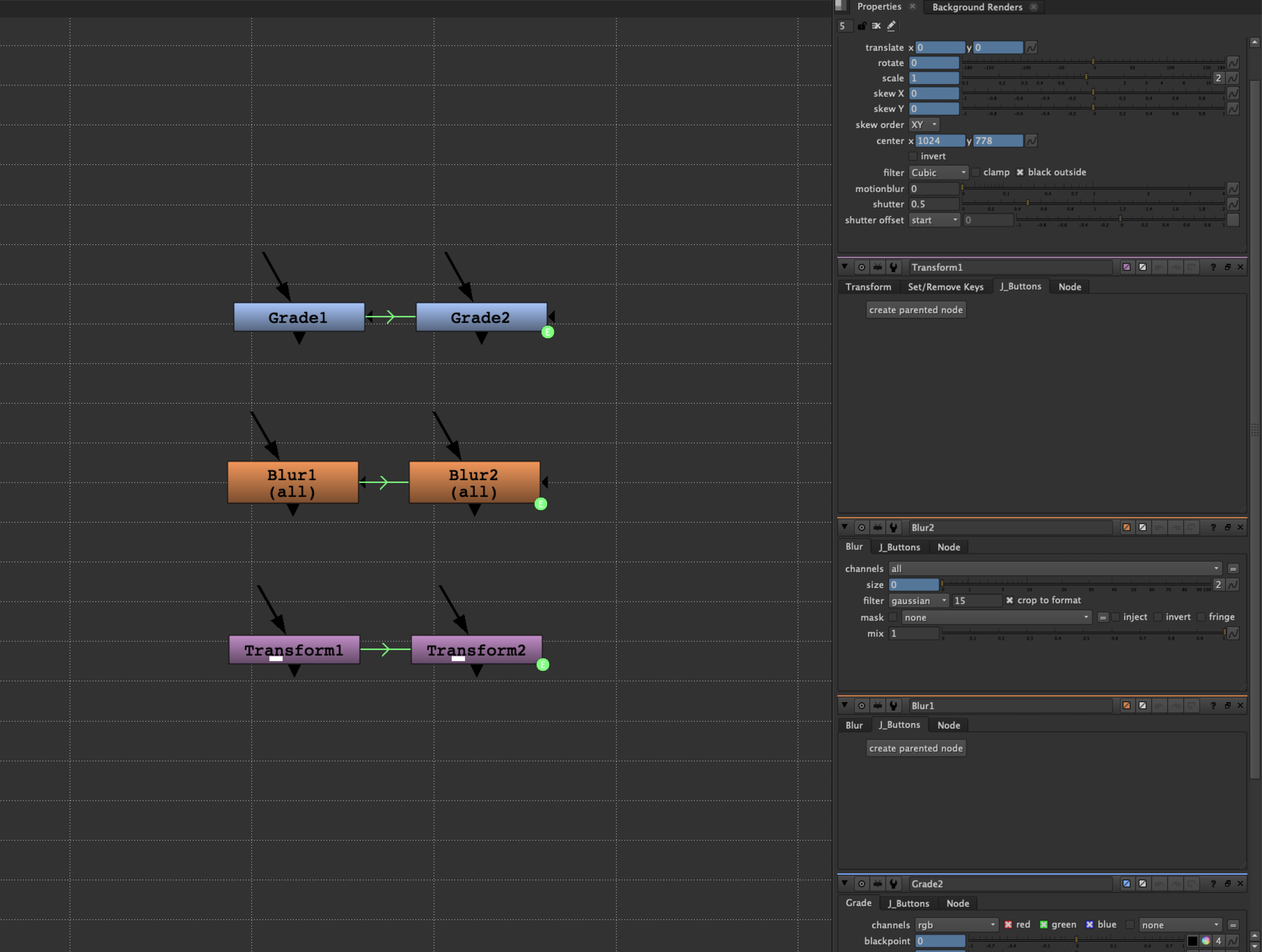
Attach Nodes Tool
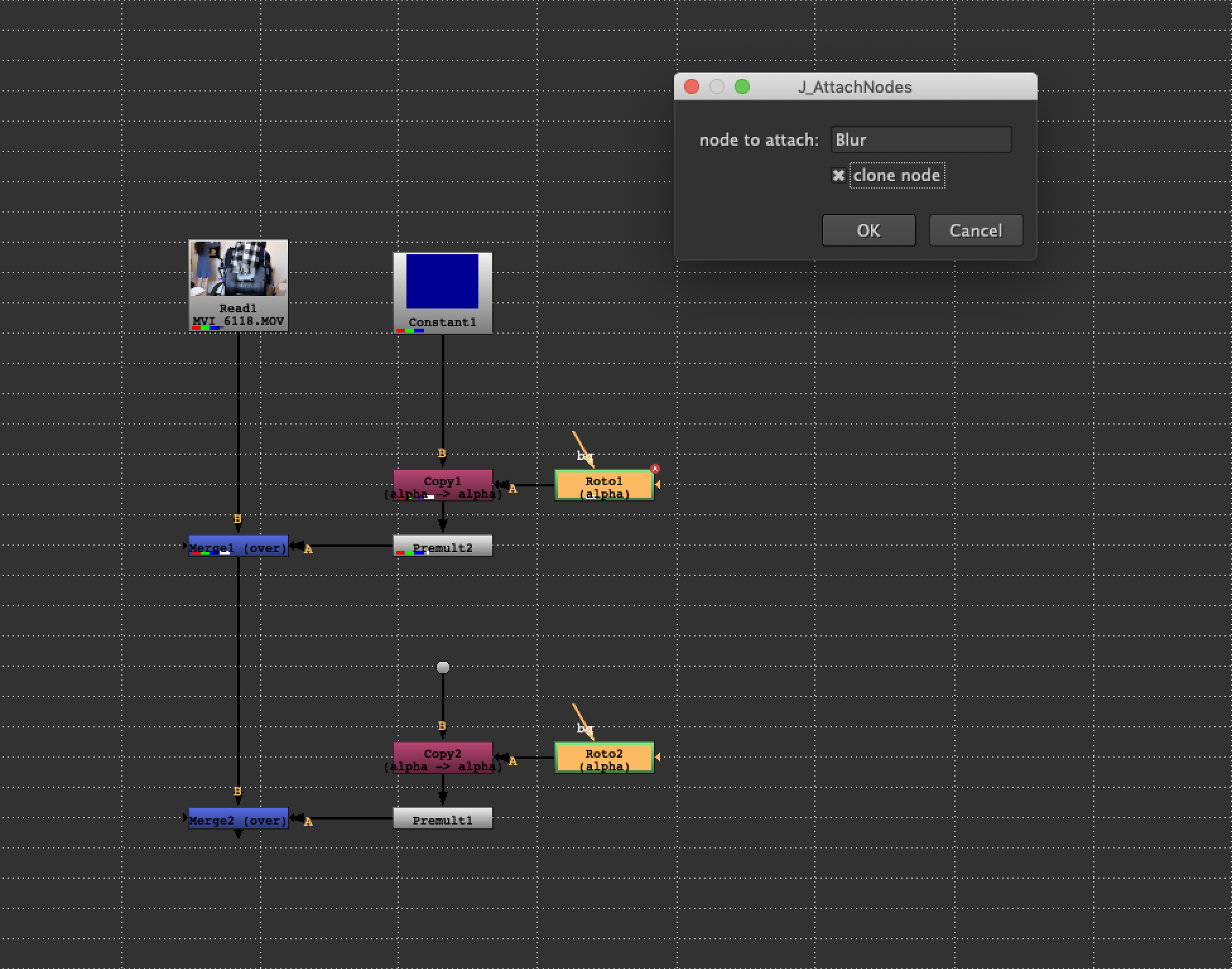
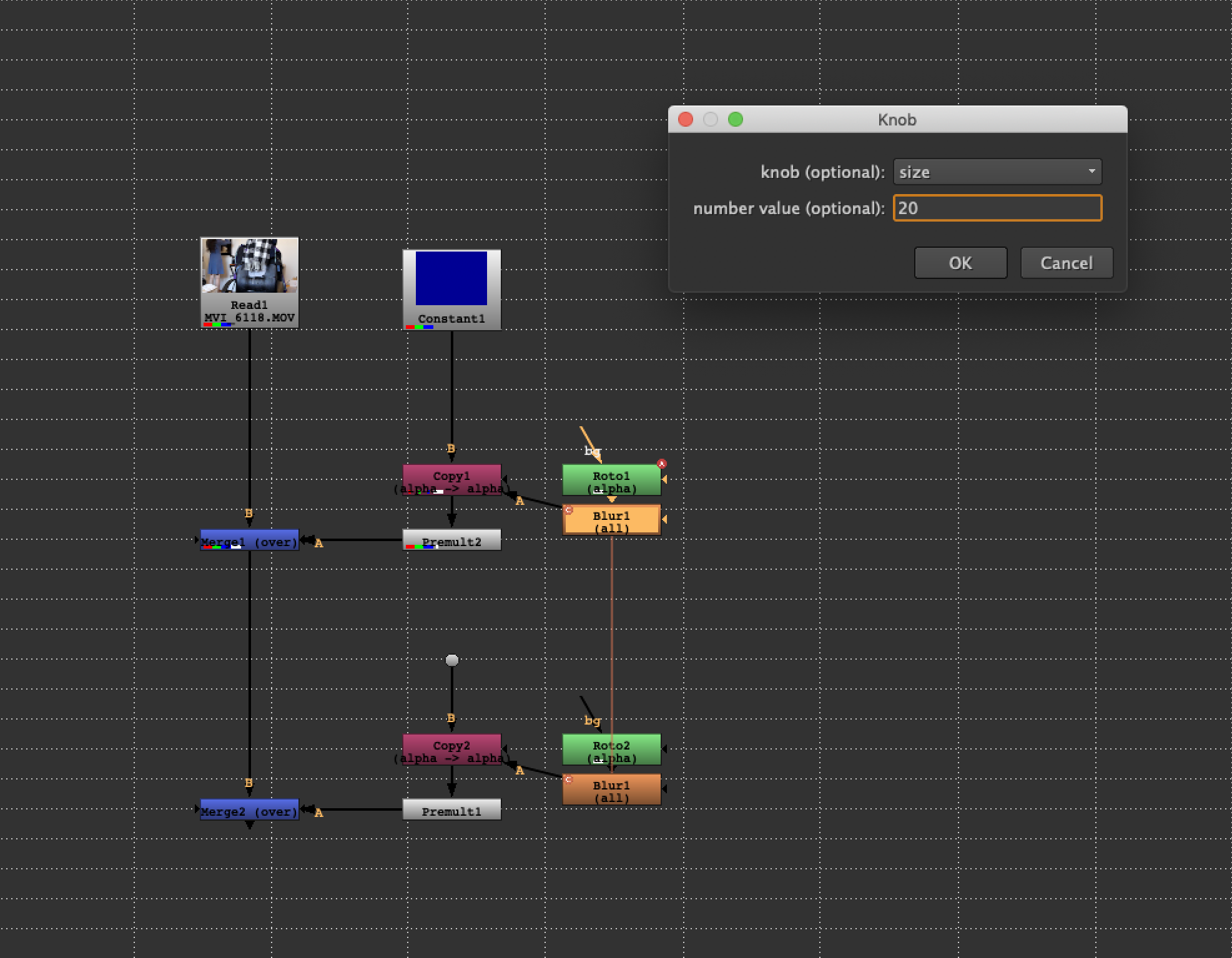
This script attaches any node (of the same node) to a selected node with one knob adjusted. The update also lets an artist attach cloned nodes.
Create Nodes Tool
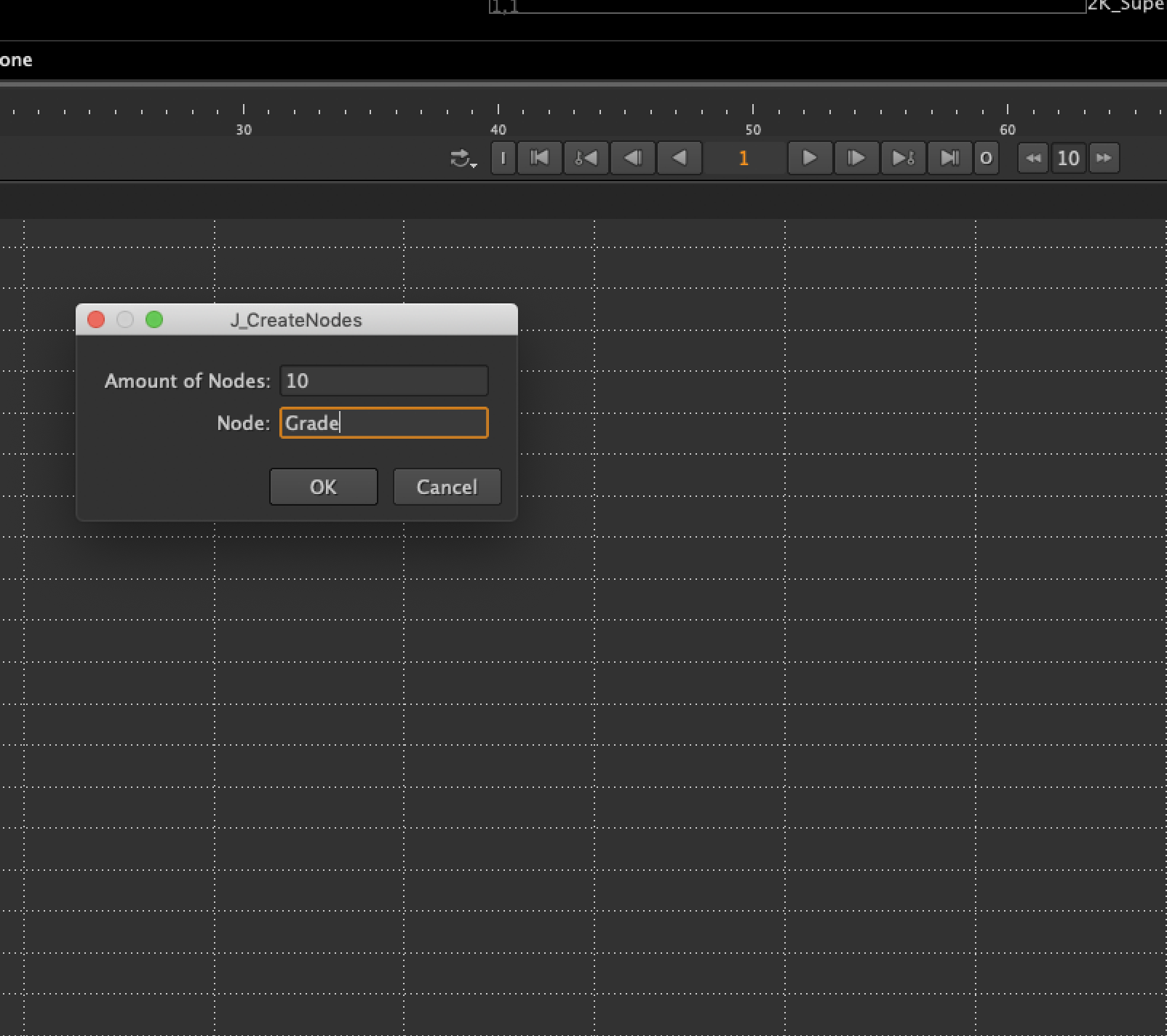
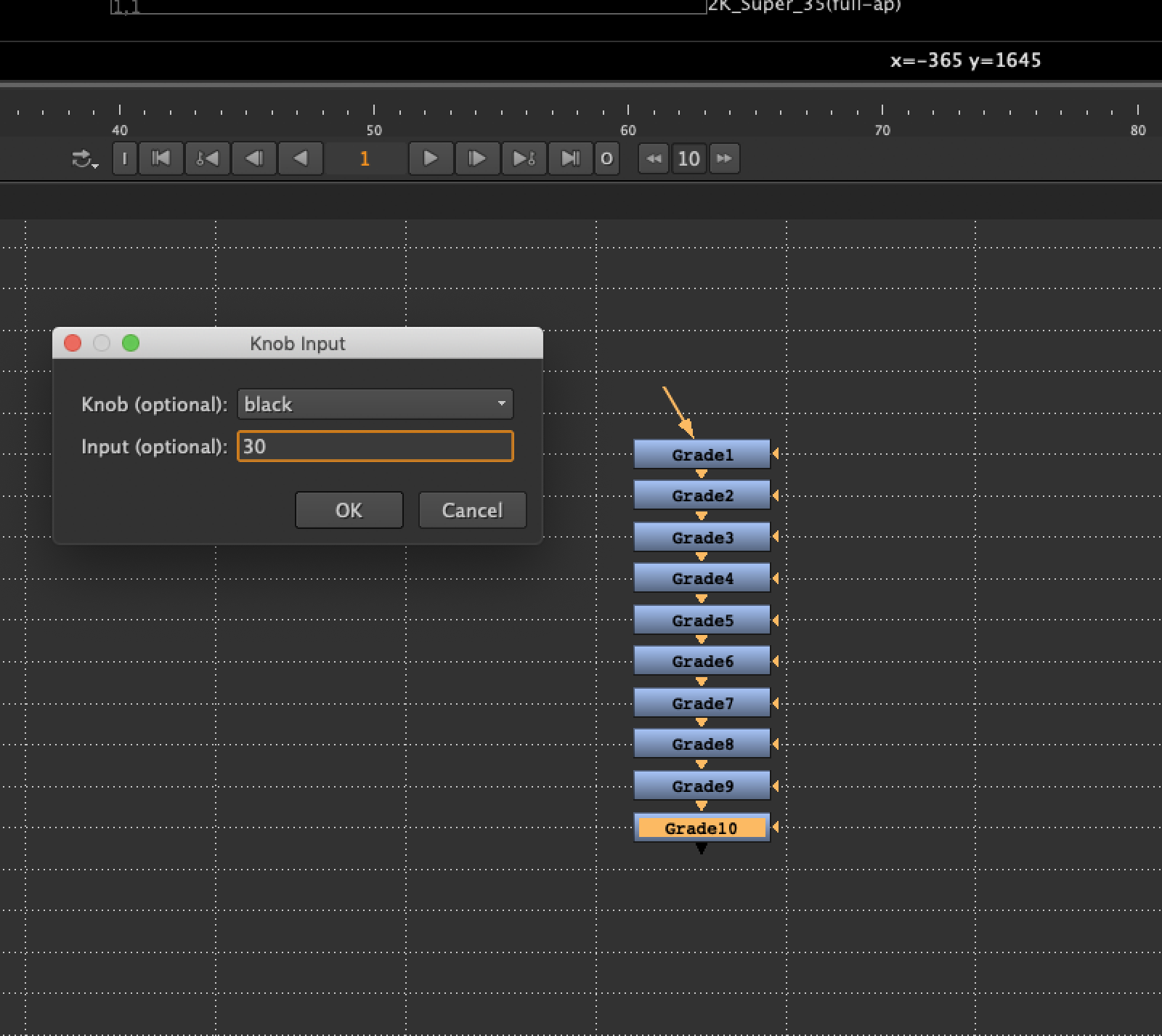
This script lets an artist create x number of any node with one of the knobs adjusted in all created nodes.
Set and Remove Transform Keys ButtoN
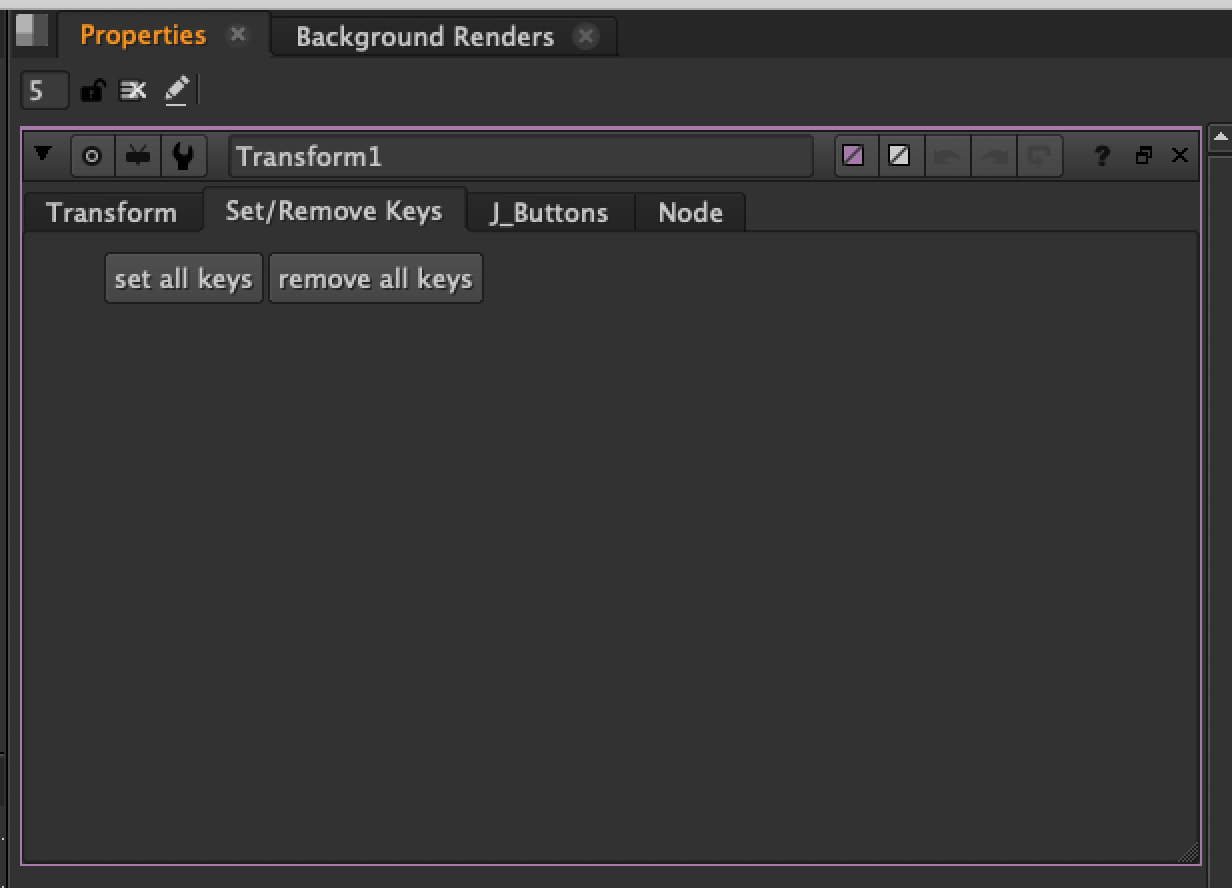
This script adds a tab to the Transform node containing a button that sets and removes keys in all knobs.